Appointments & Calendar - Timezone issue.
Configured time and booking time don’t match.
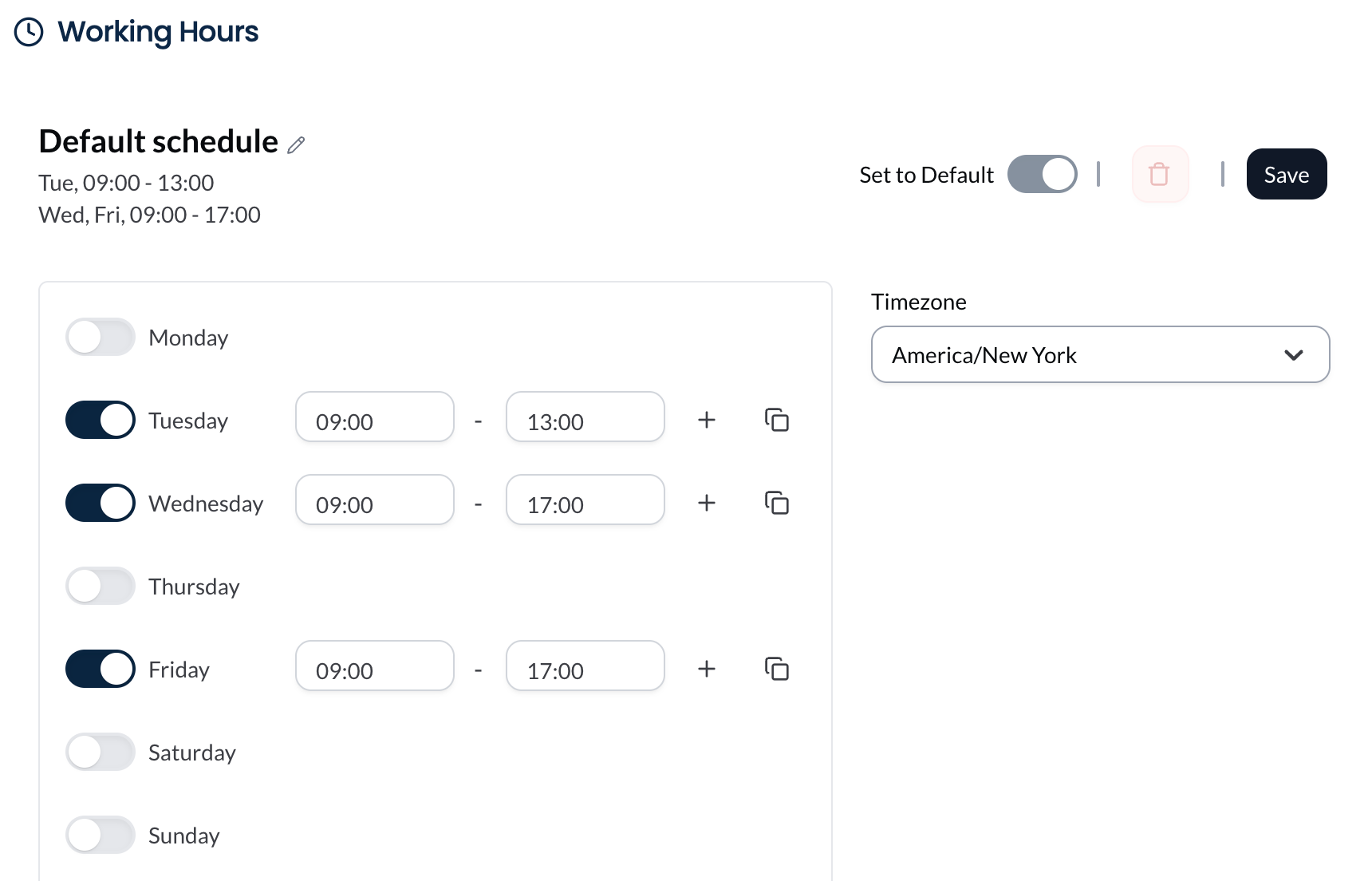
Steps to reproduce. Enable Booking for a studio, in the studio manager, set the times, but don’t setup the timezone.
It then uses GMT timezone by default. Which is not shown in the dropdown. This causes the booking time to not match the configured time.
During configuration, Either show the default timezone in the dropdown. or make the timezone selection mandatory
Please authenticate to join the conversation.
Upvoters
Status
Completed
Board
🐛
Known Bugs
Date
About 1 year ago
Author

Aditya Jaiswal
Subscribe to post
Get notified by email when there are changes.
Upvoters
Status
Completed
Board
🐛
Known Bugs
Date
About 1 year ago
Author
Aditya Jaiswal
Subscribe to post
Get notified by email when there are changes.